
Get more from every order
Unlock exclusive deals and perks with the MyMacca's® app.
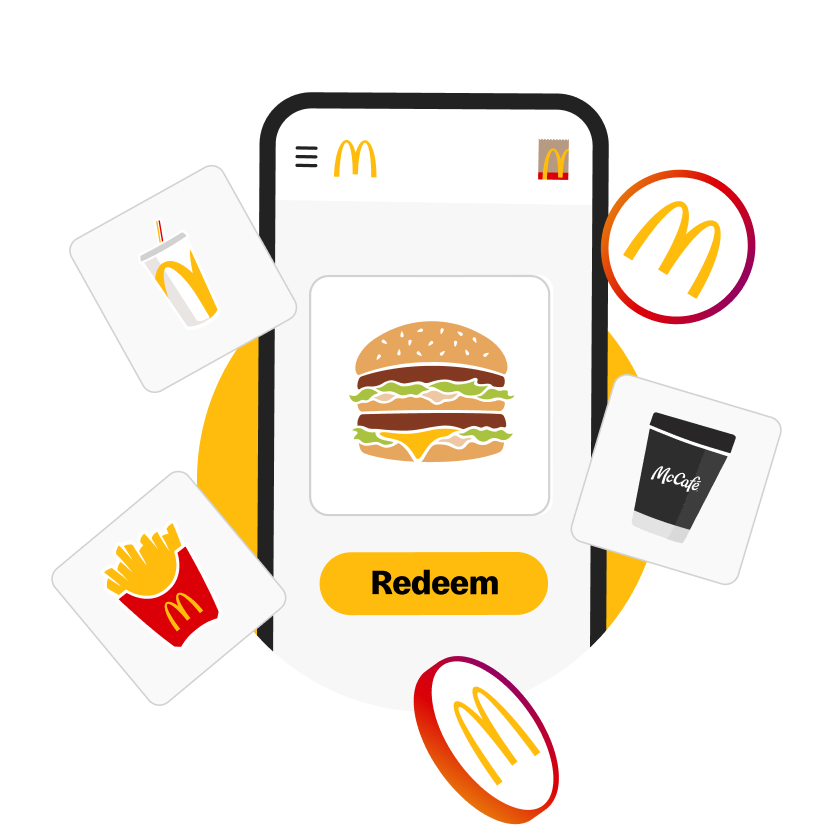
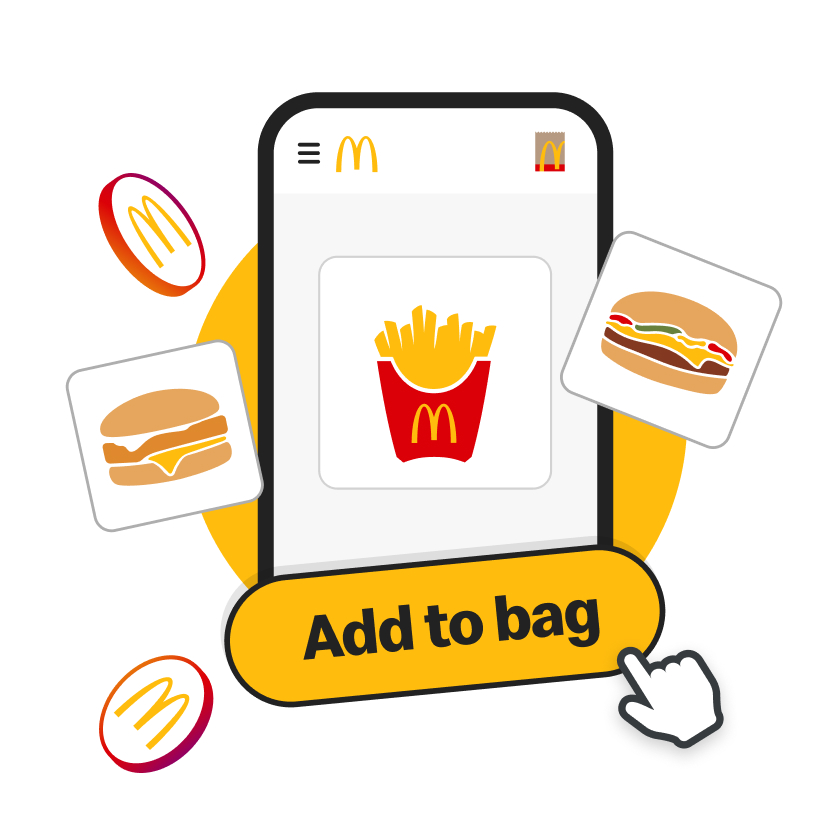
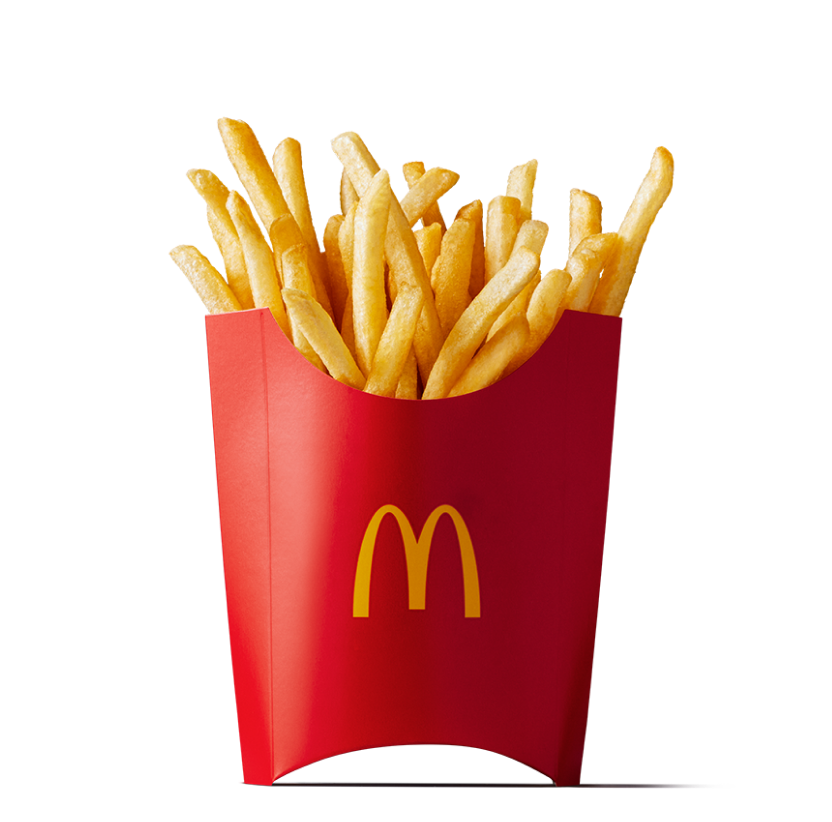
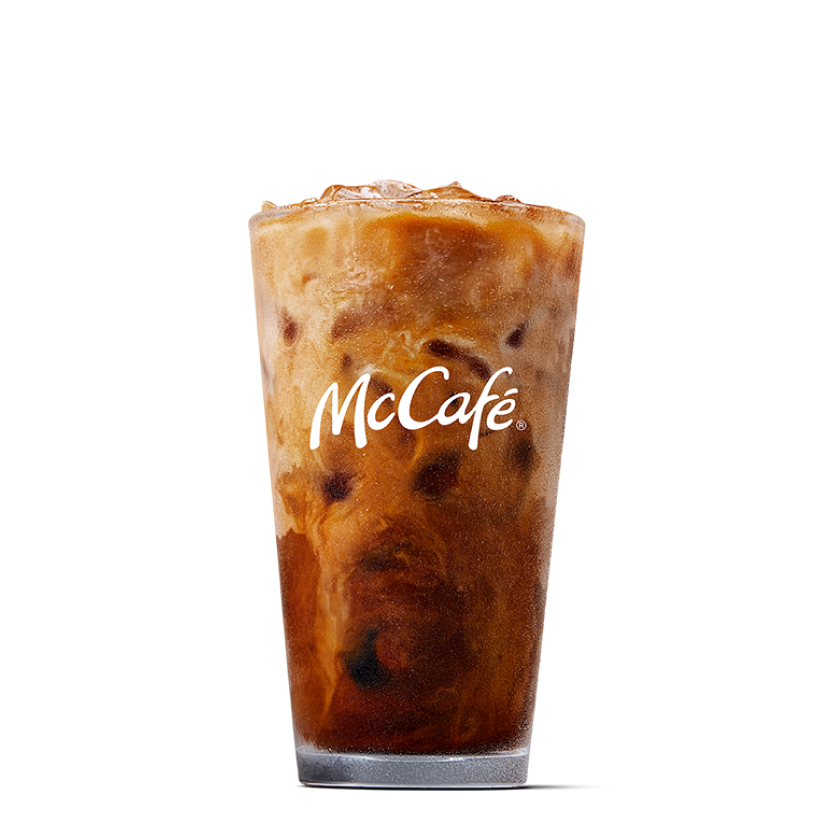
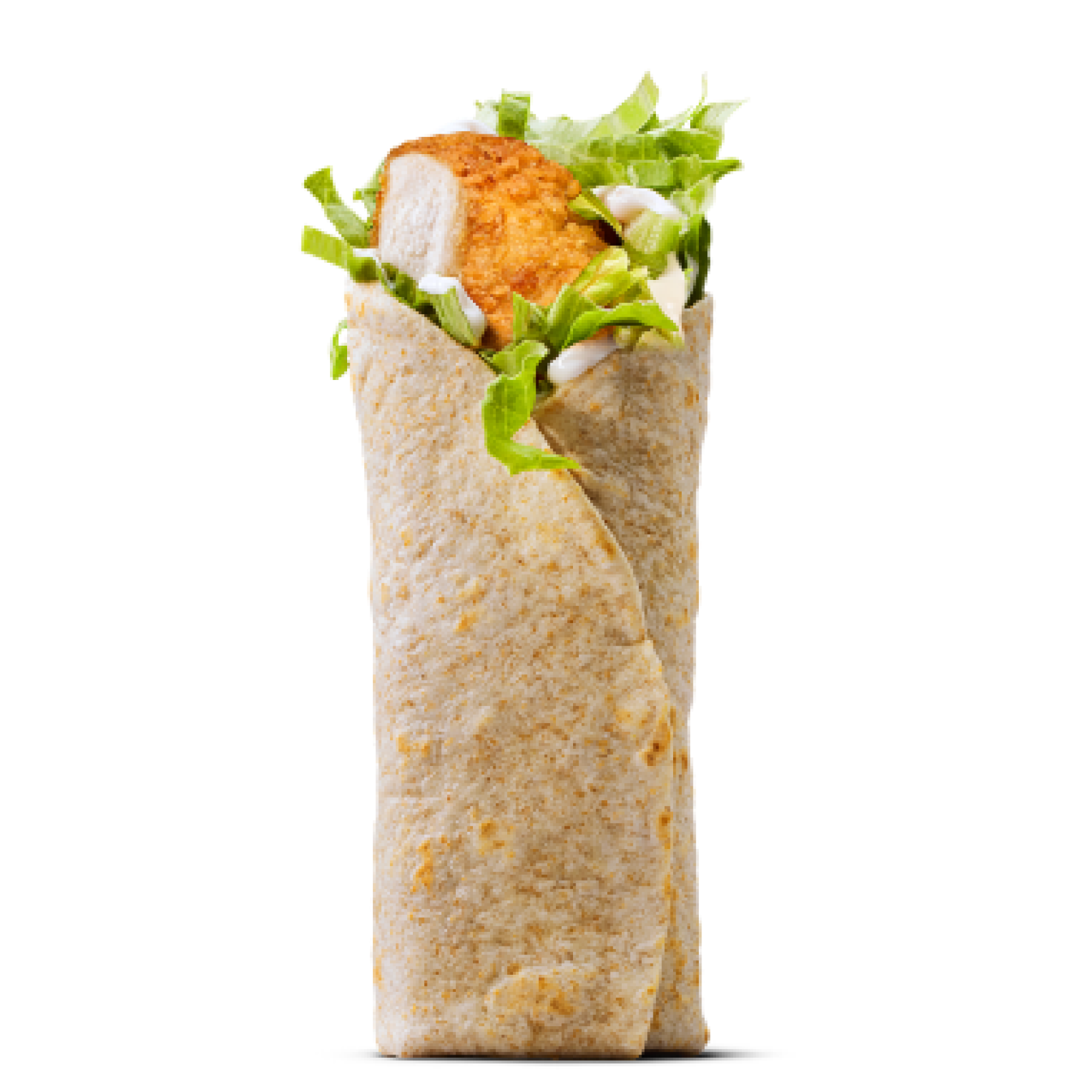
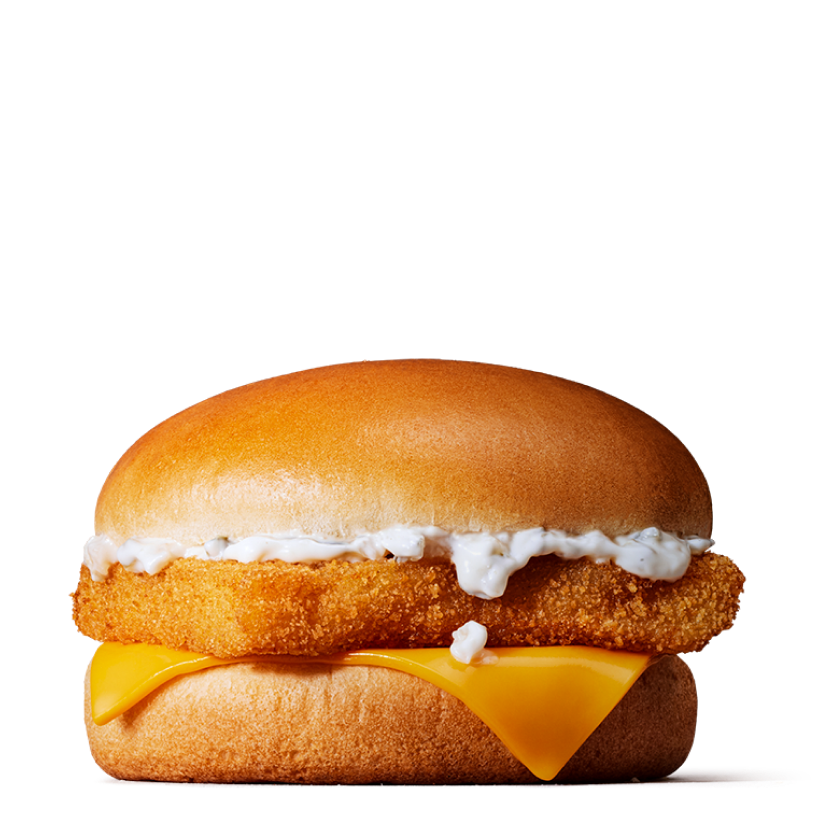
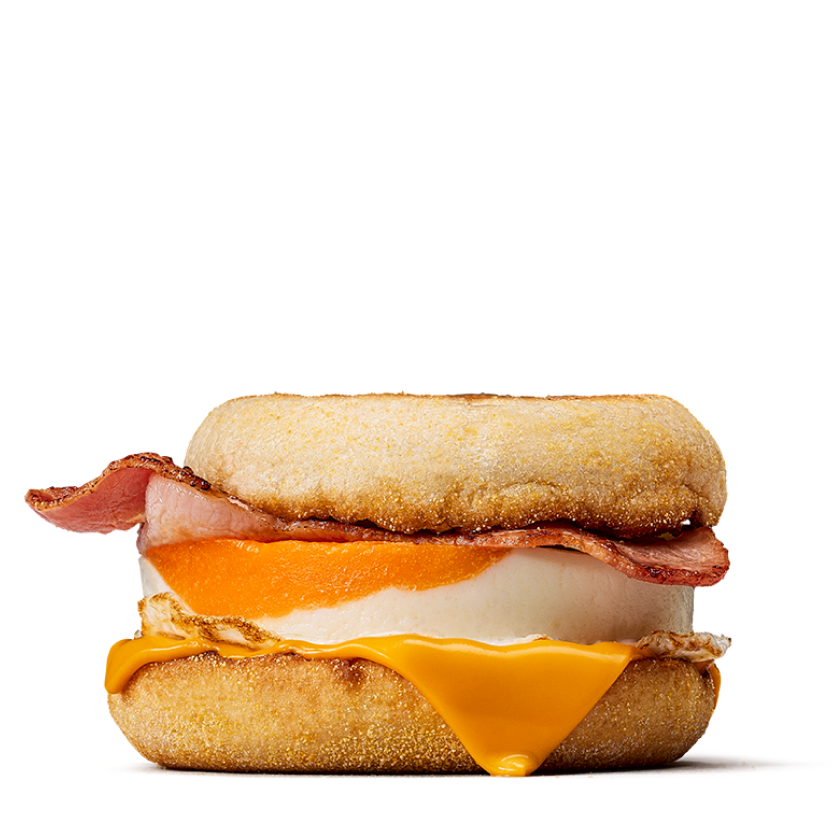
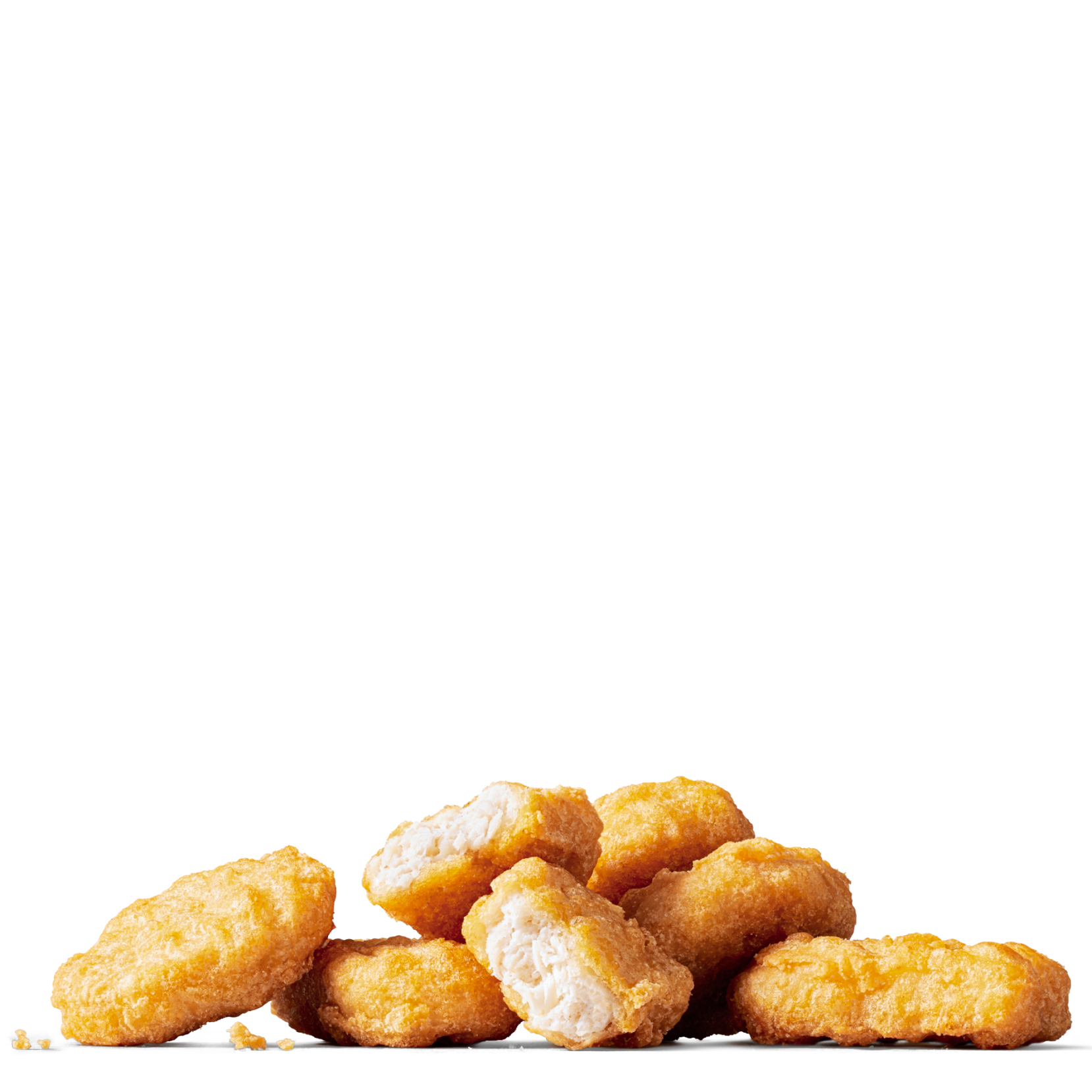
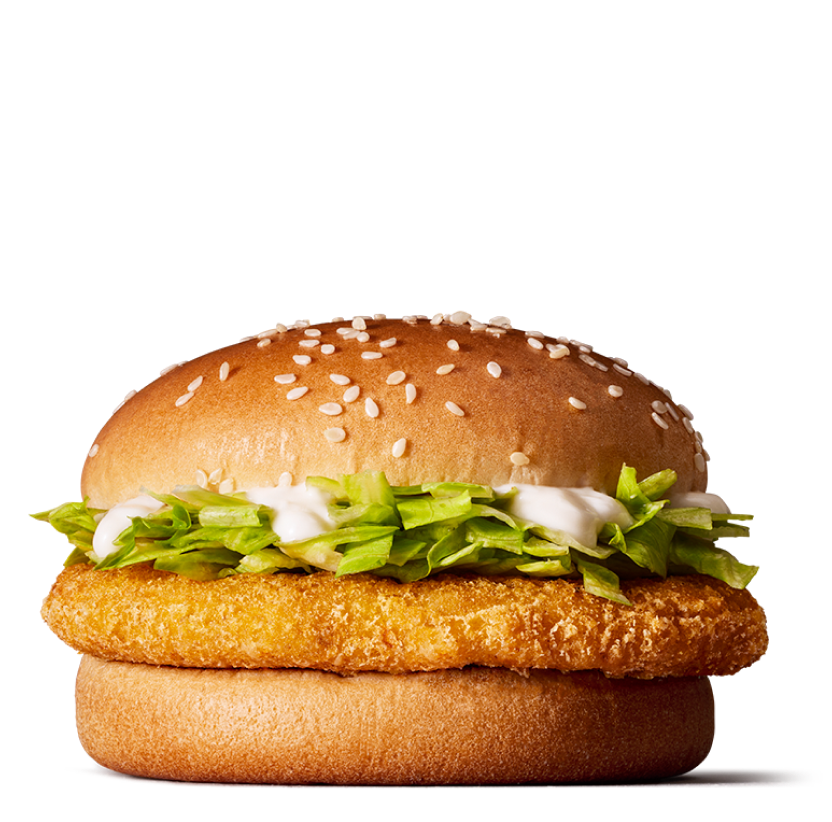
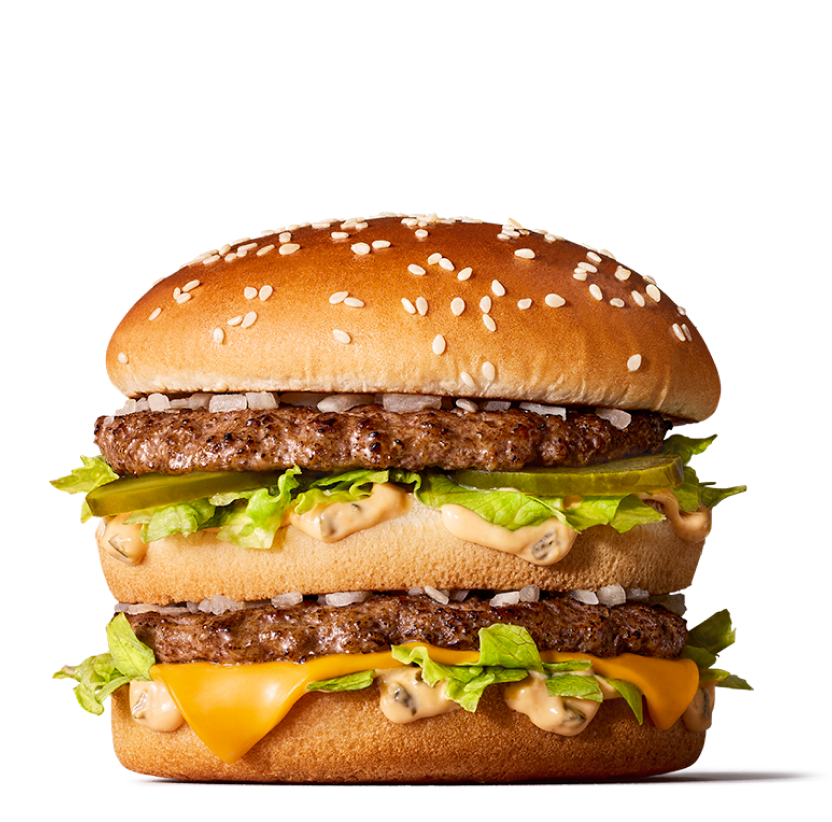
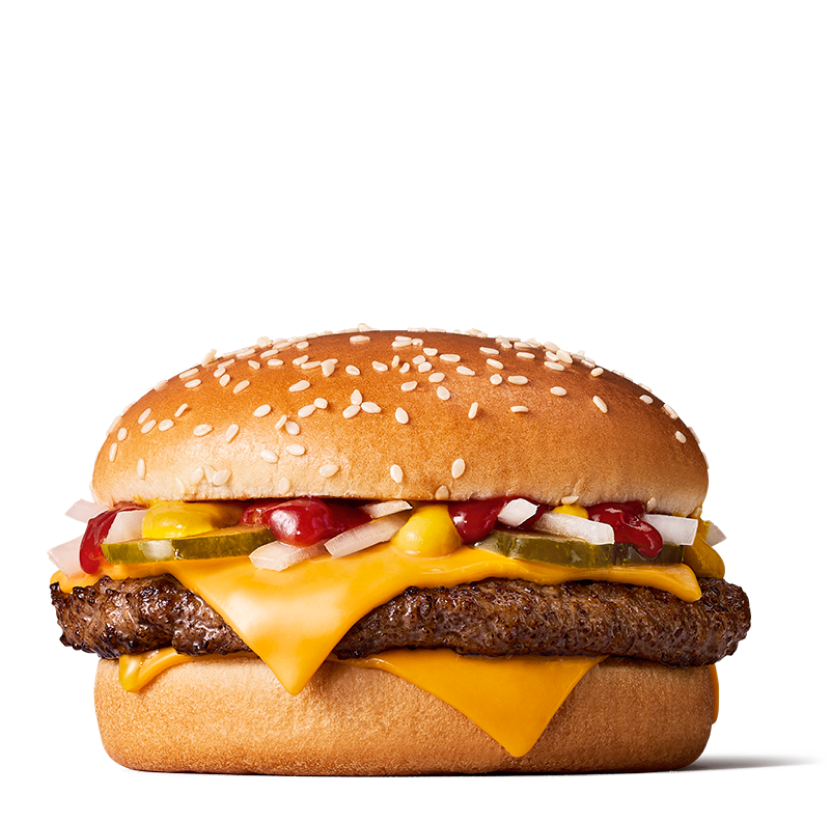
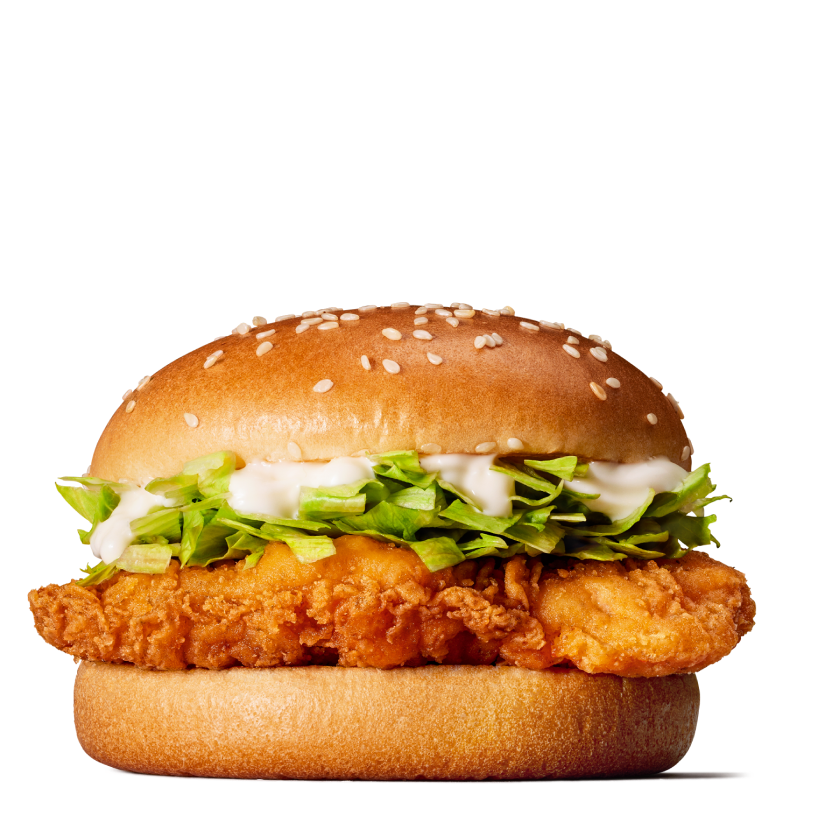
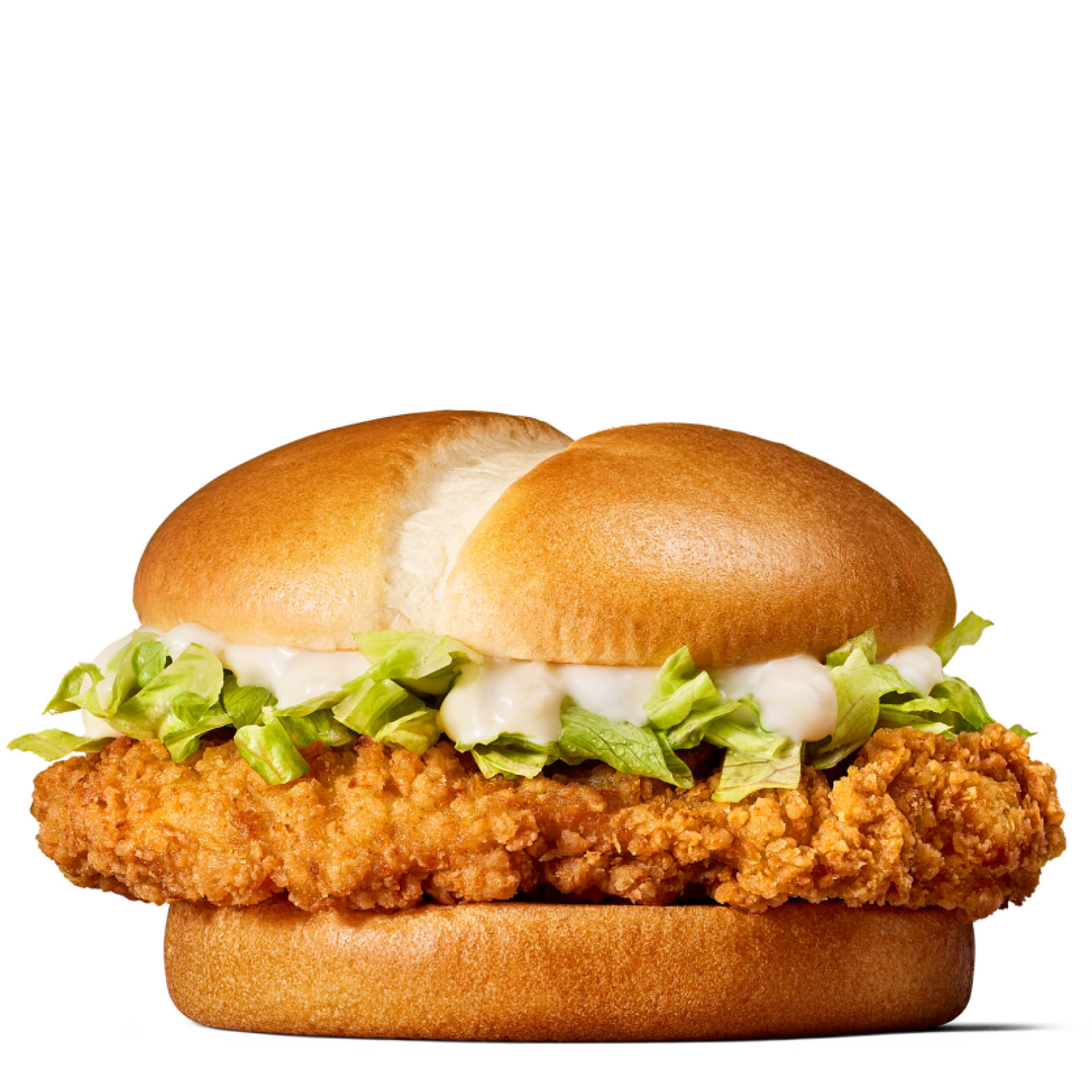
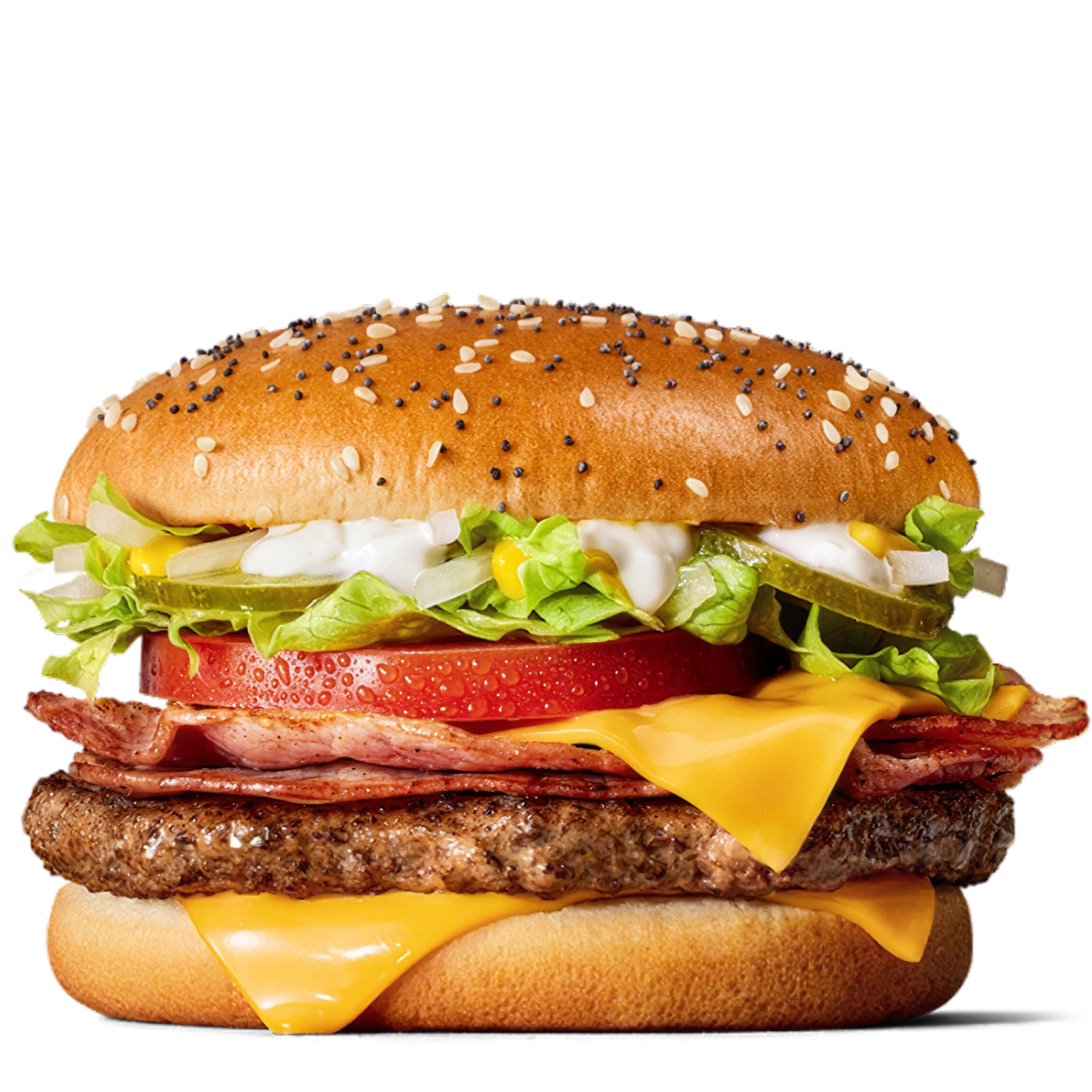
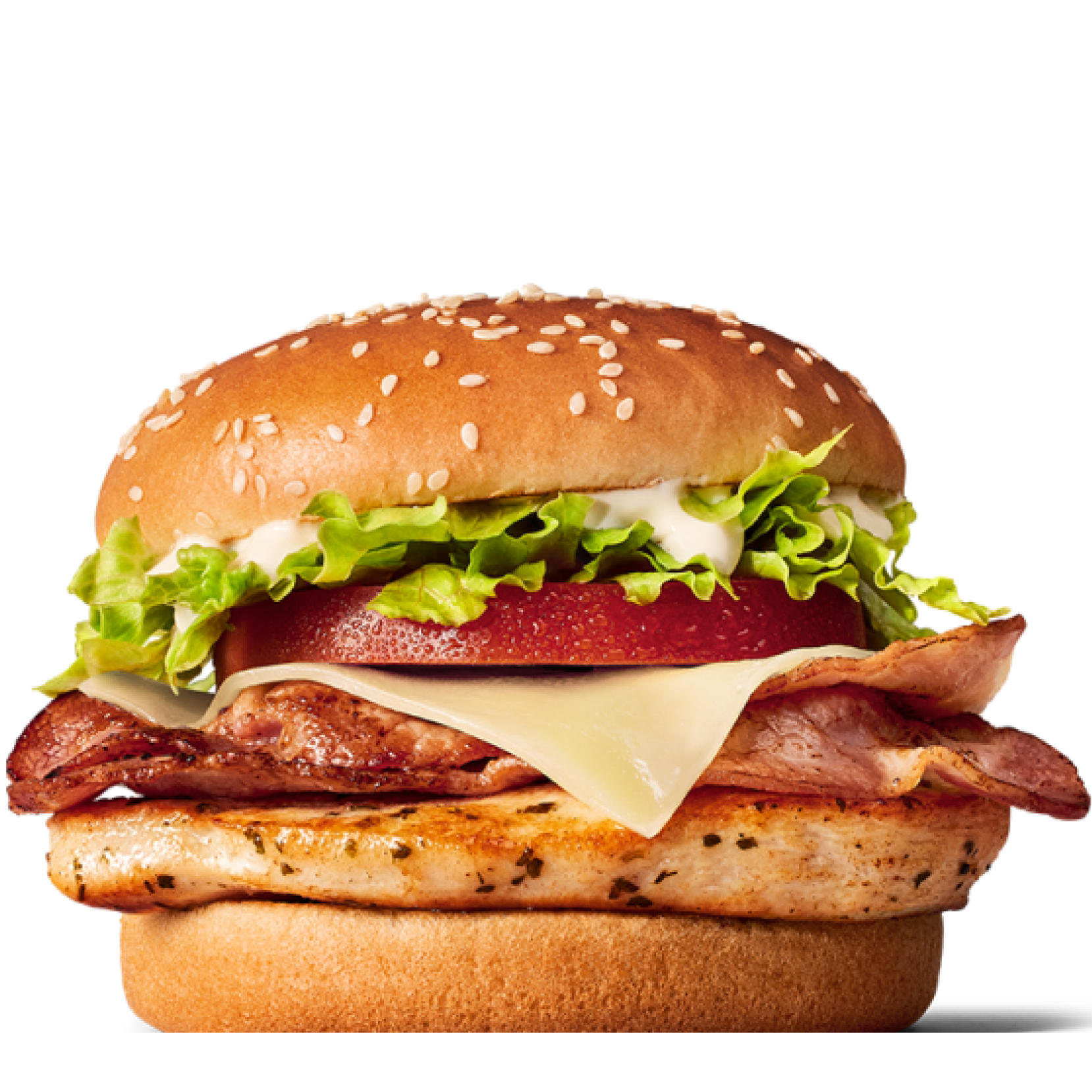
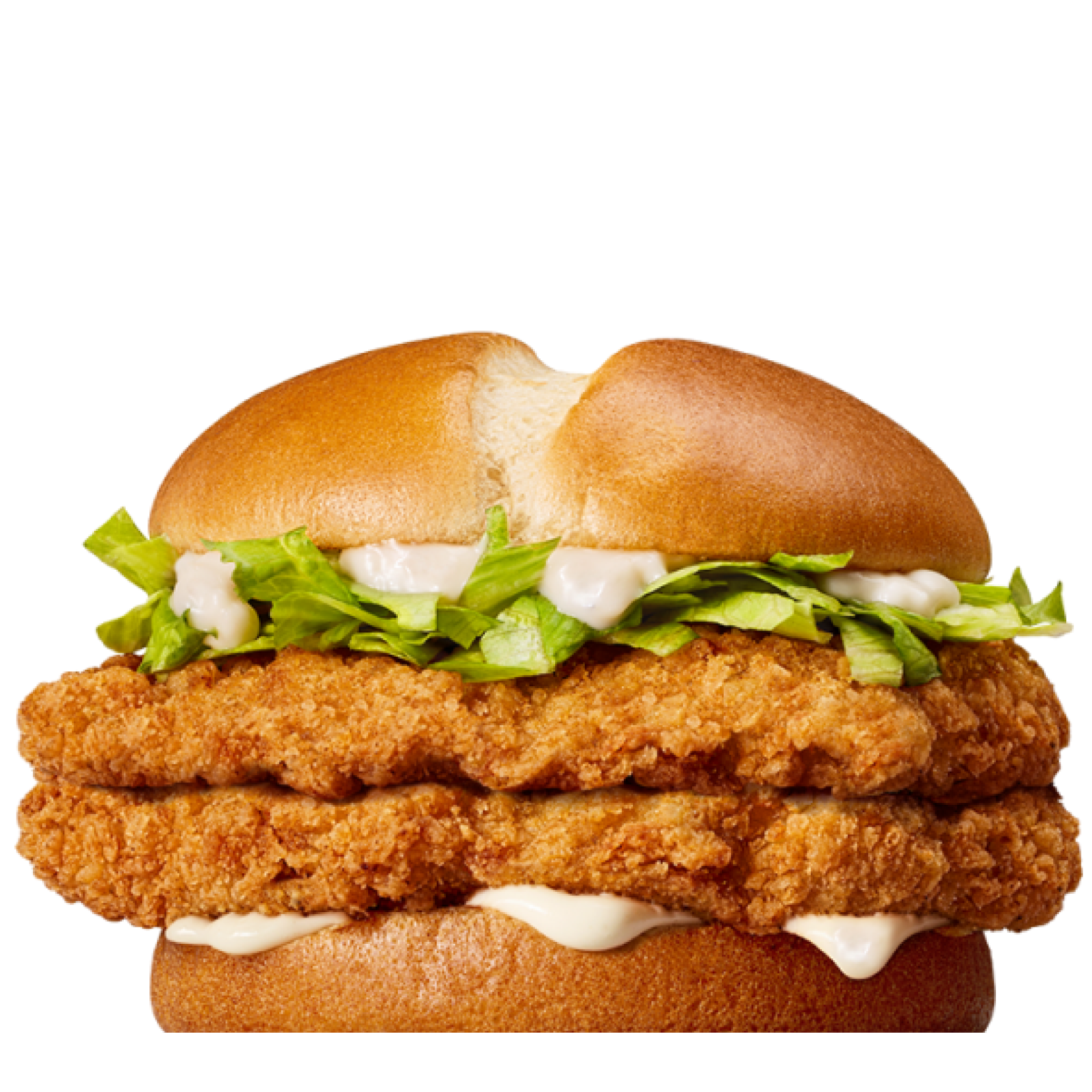
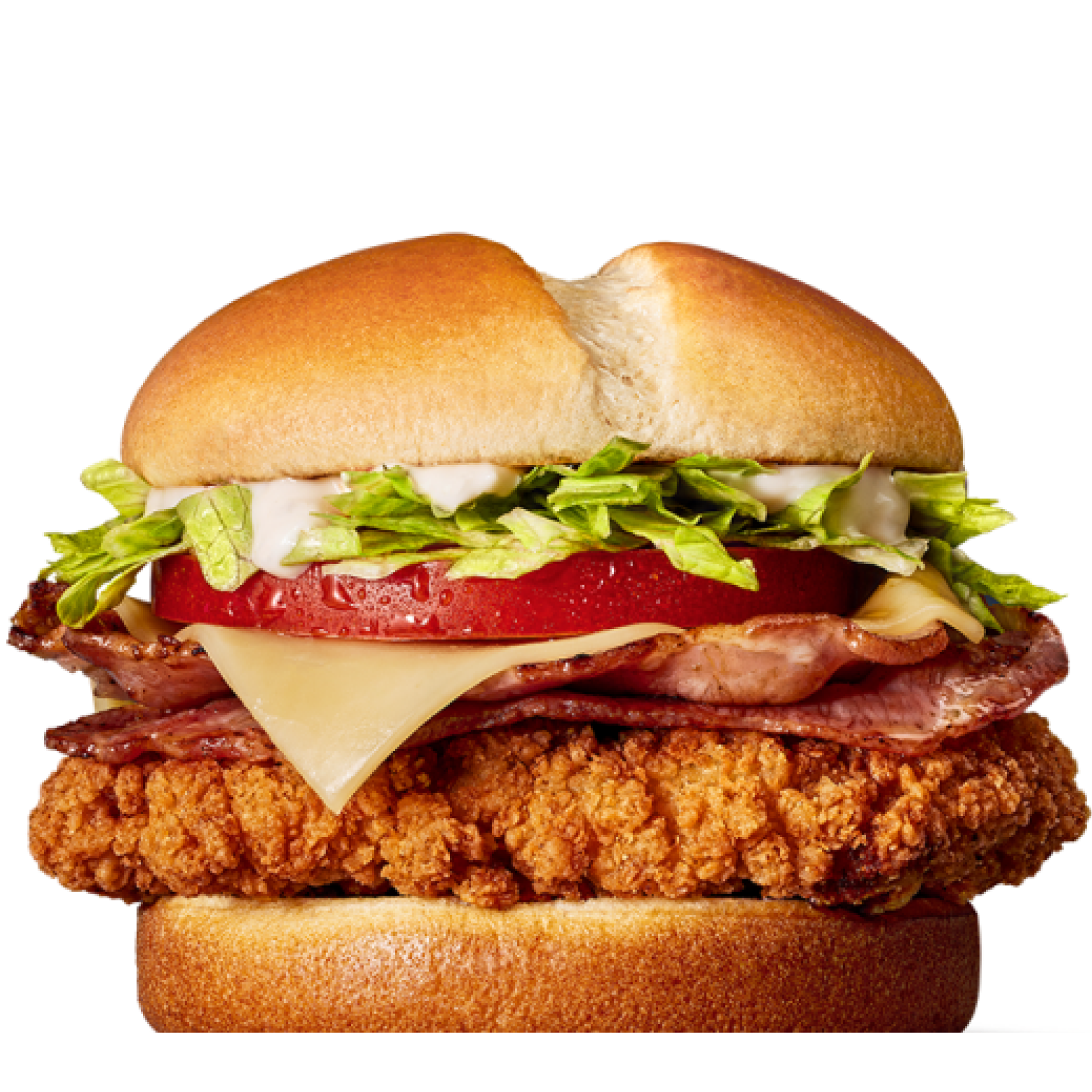
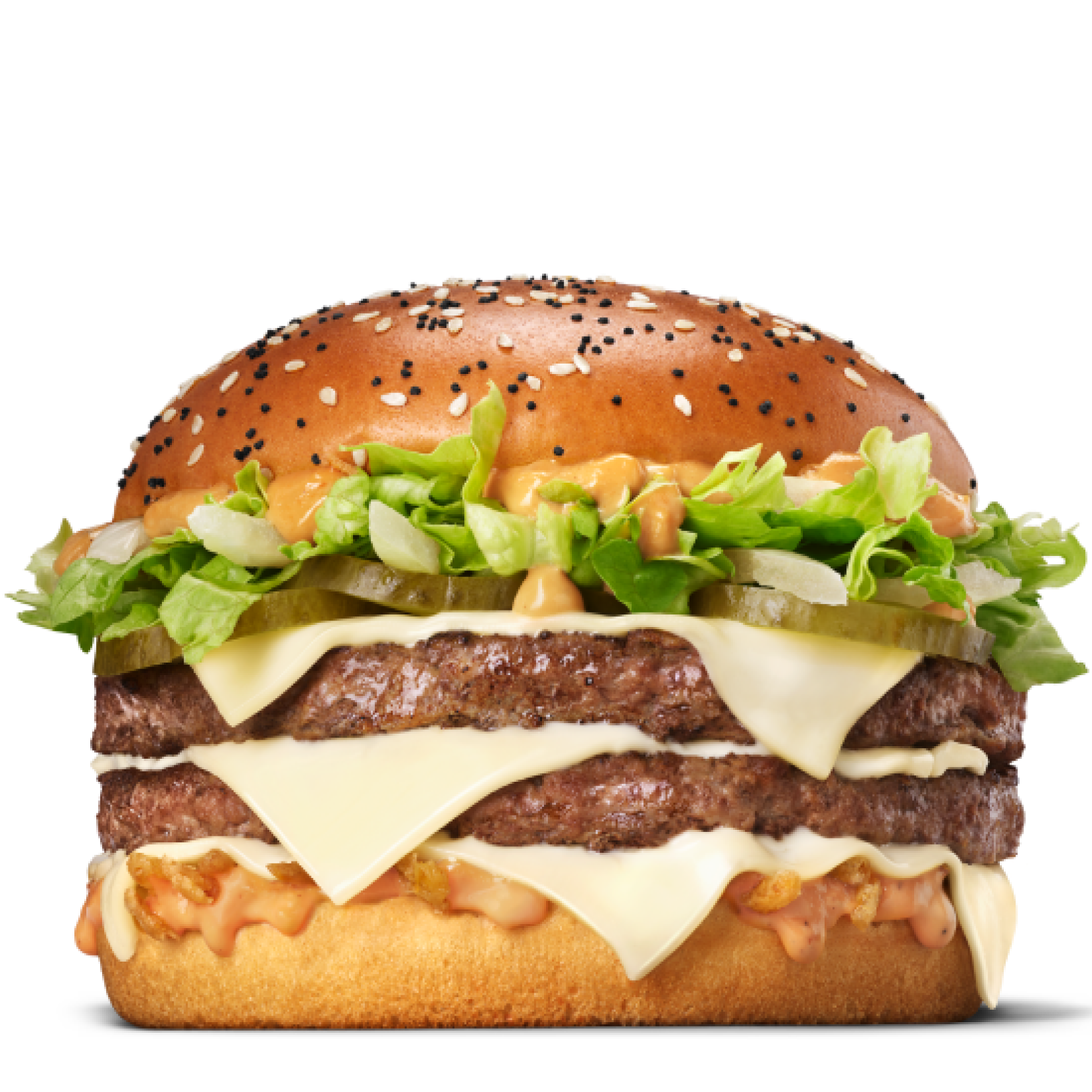
Redeem your favourite food items
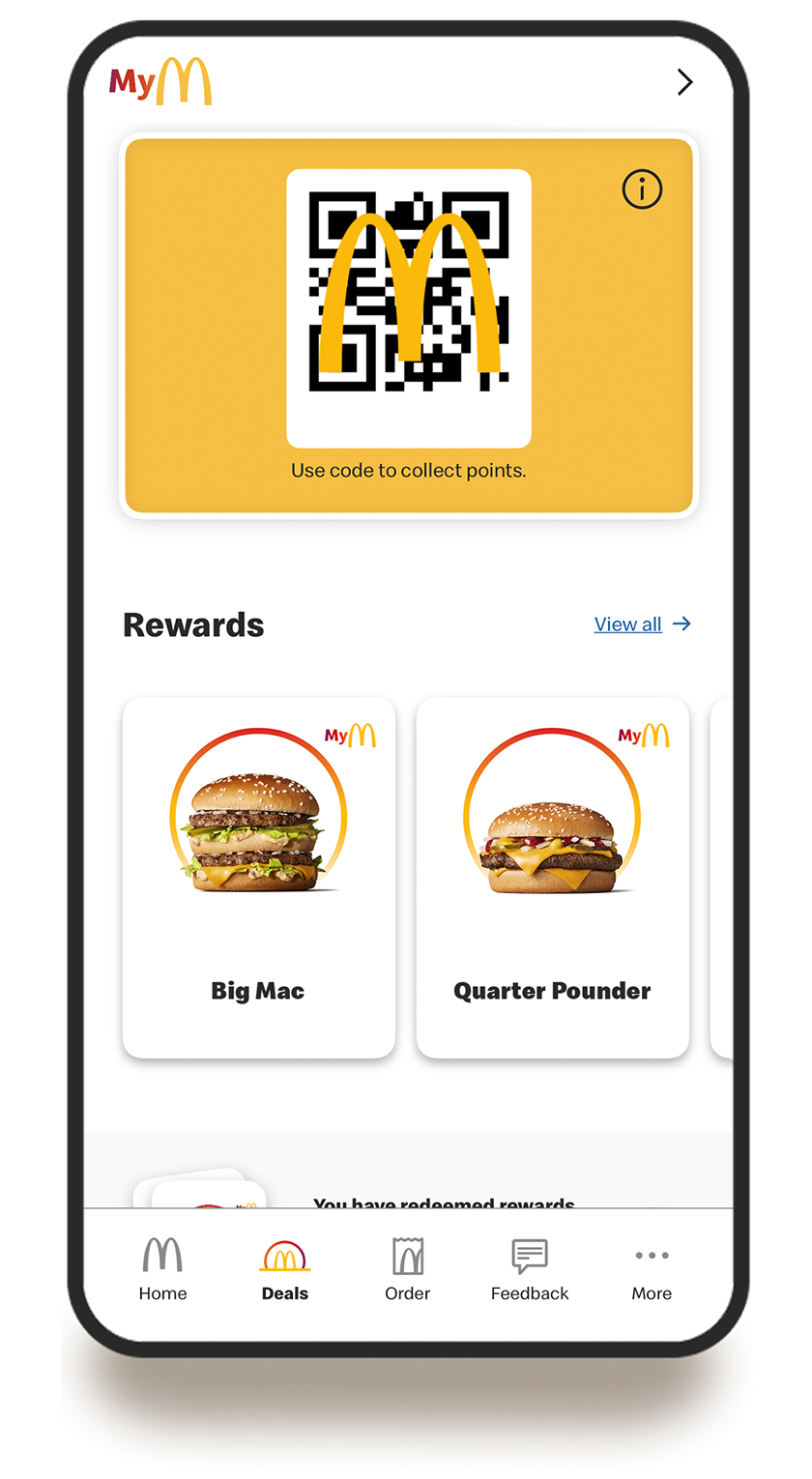
It’s easy to track your points! Check the app to see how far you are from unlocking the next item in the rewards menu.
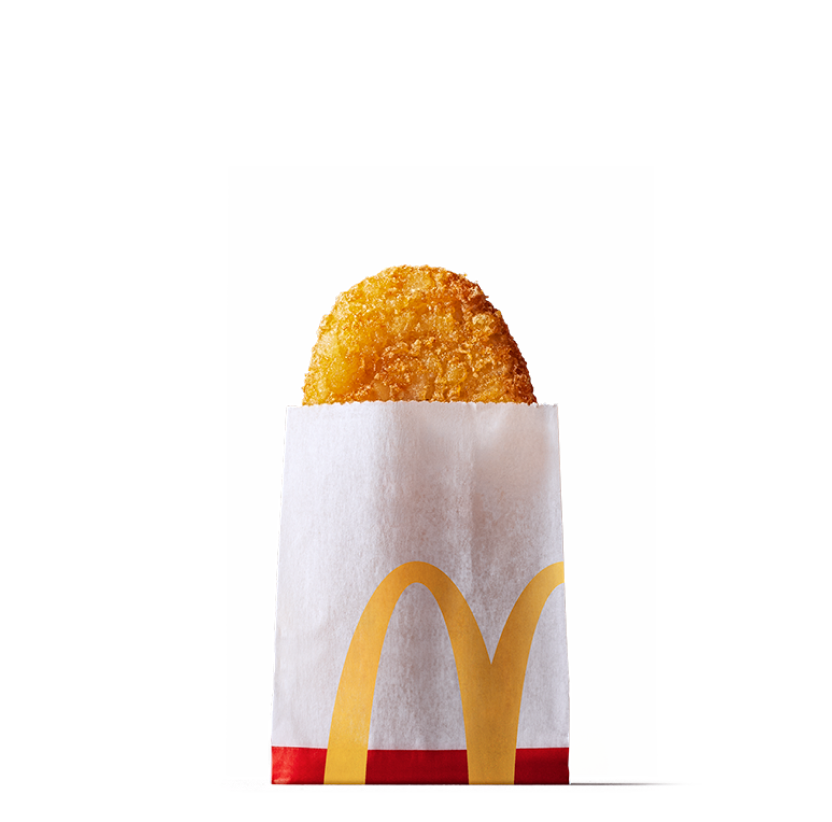
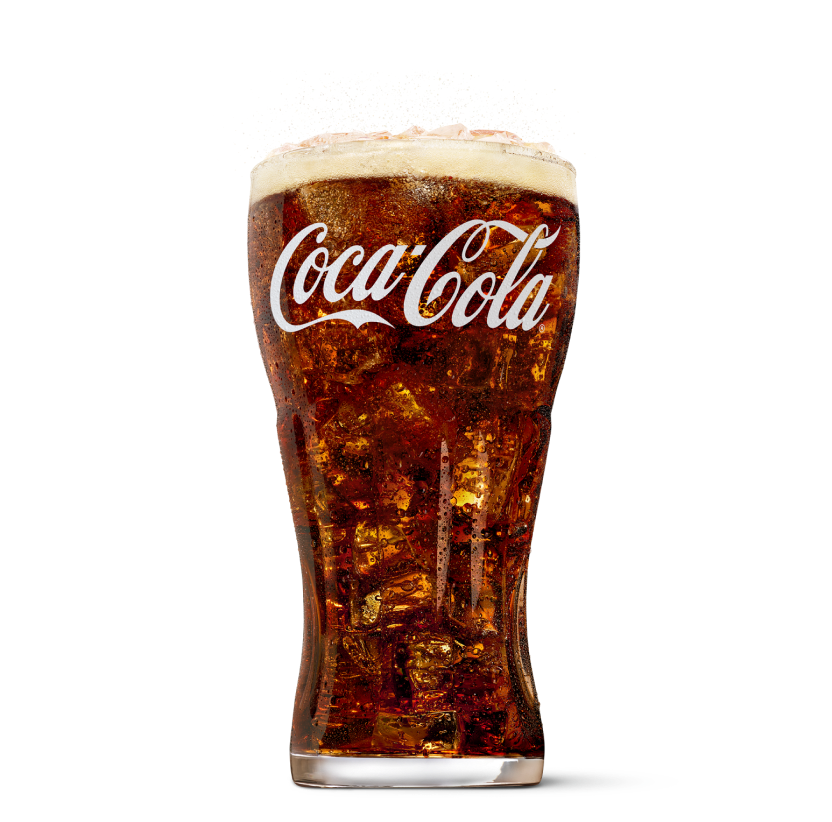
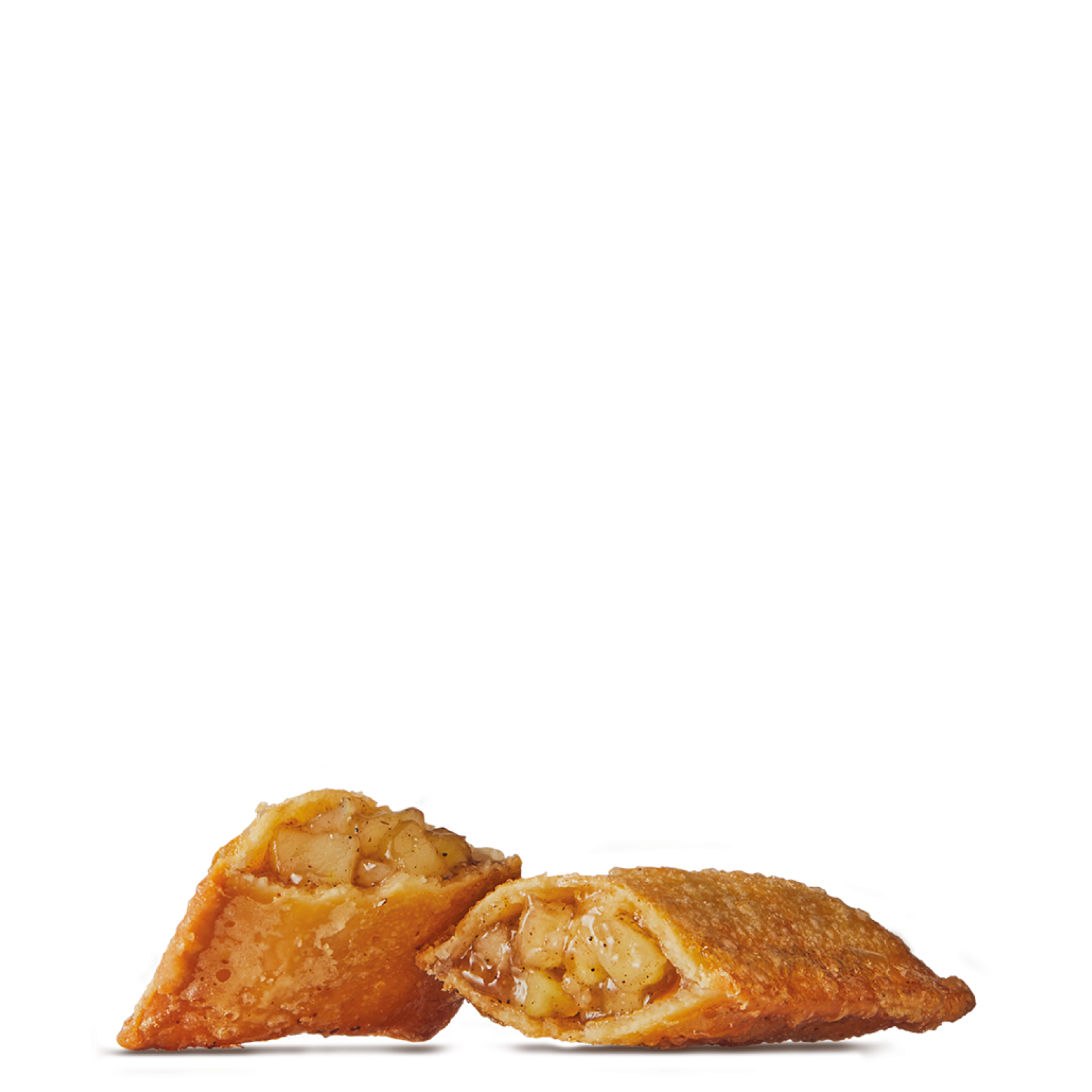
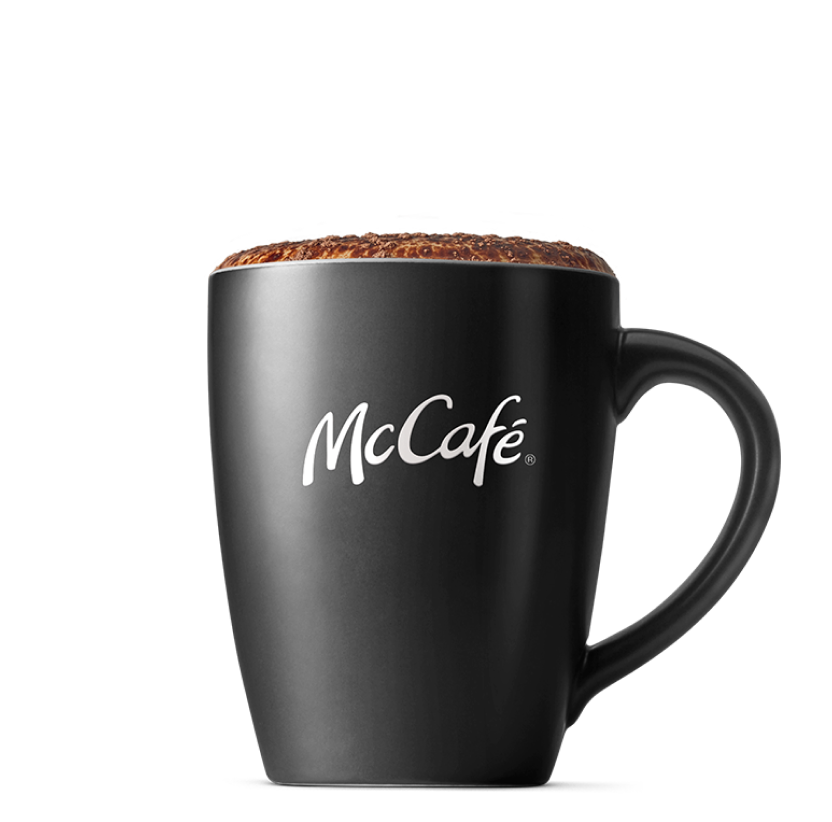

.png)
.png)


Need help with MyMacca's?
Find out more in our FAQs.
1. Download and sign up to the MyMacca's app.
2. Accept the terms and conditions and turn on your location services.
3. Access MyMacca's rewards.
1. Open the app and sign in.
2. Tap ‘More” on the bottom of the screen.
3. Tap ‘Profile’ and then ‘Personal settings’.
4. Make changes to your name, name consent, postcode.
If you need to log back into your app, tap ‘Sign in’ on the home screen. From the ‘Log in or sign up’ screen, choose your preferred method and enter your details. We’ll send a verification email to the address linked to your account. If you don’t see it in your inbox, please check your spam folder.
Earning points is easy!
Simply download the MyMacca’s app here and sign up and create your very own MyMacca's account.
You can order your way to earn points, just order as normal at the Drive Thru, Front Counter or Kiosk but be sure to tell us your MyMacca’s Rewards code. OR you can earn points automaticall when your order and pay on the MyMacca's app.
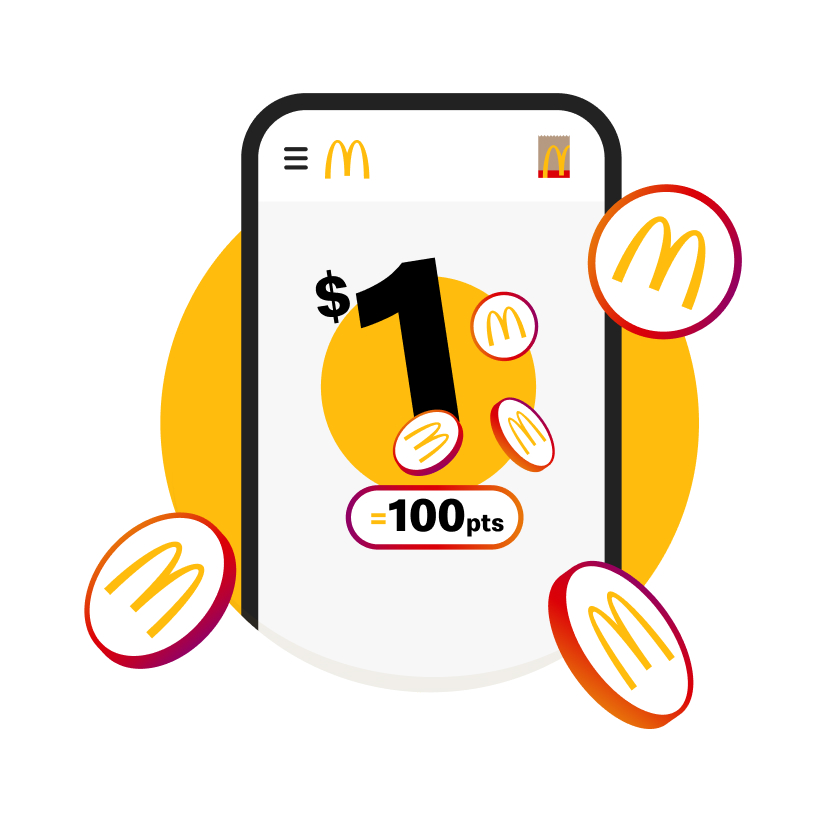
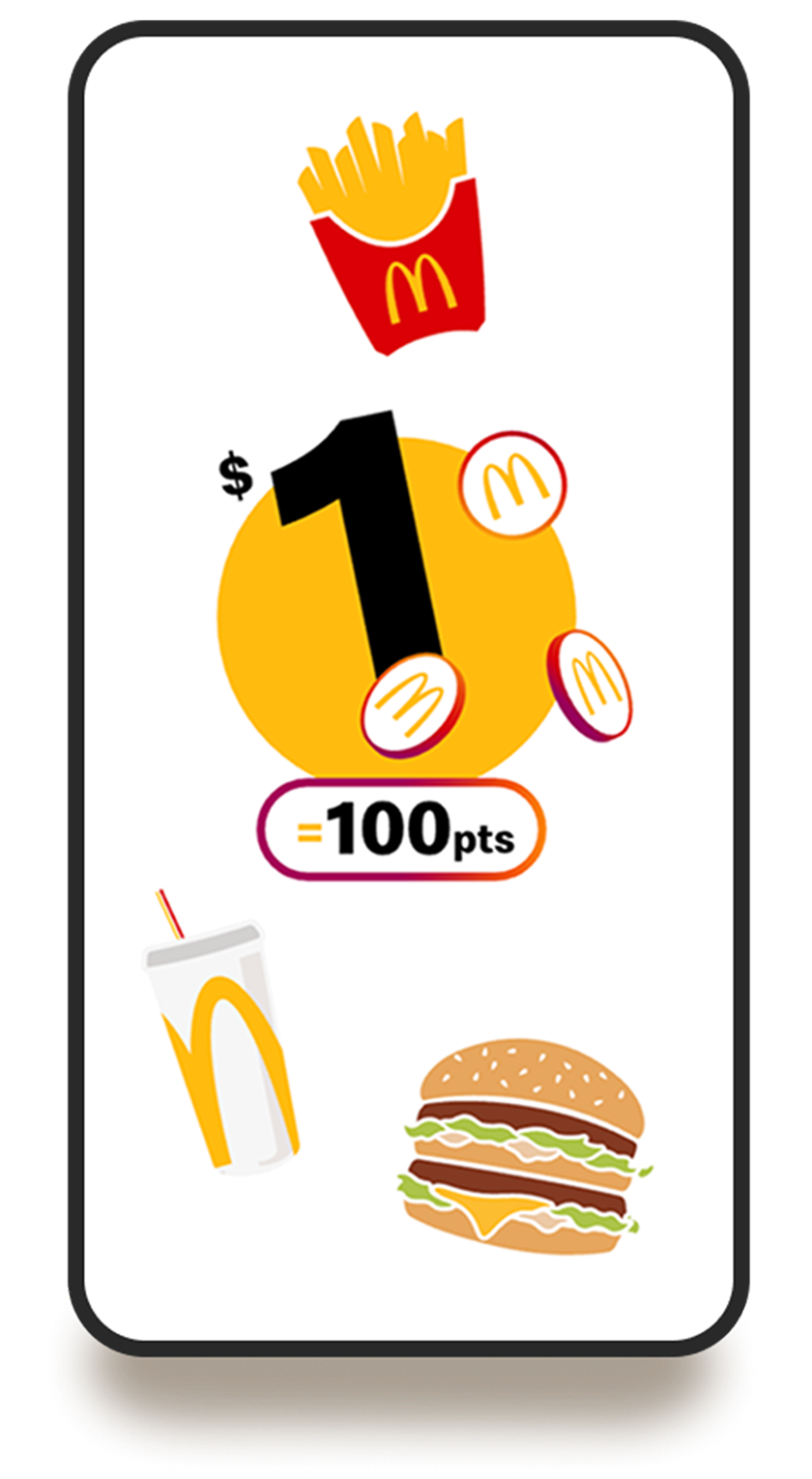
$1 = 100 points. That means you’ll receive 100 points for every dollar you spend on eligible purchases.
To redeem through Mobile Ordering on the MyMacca's app:
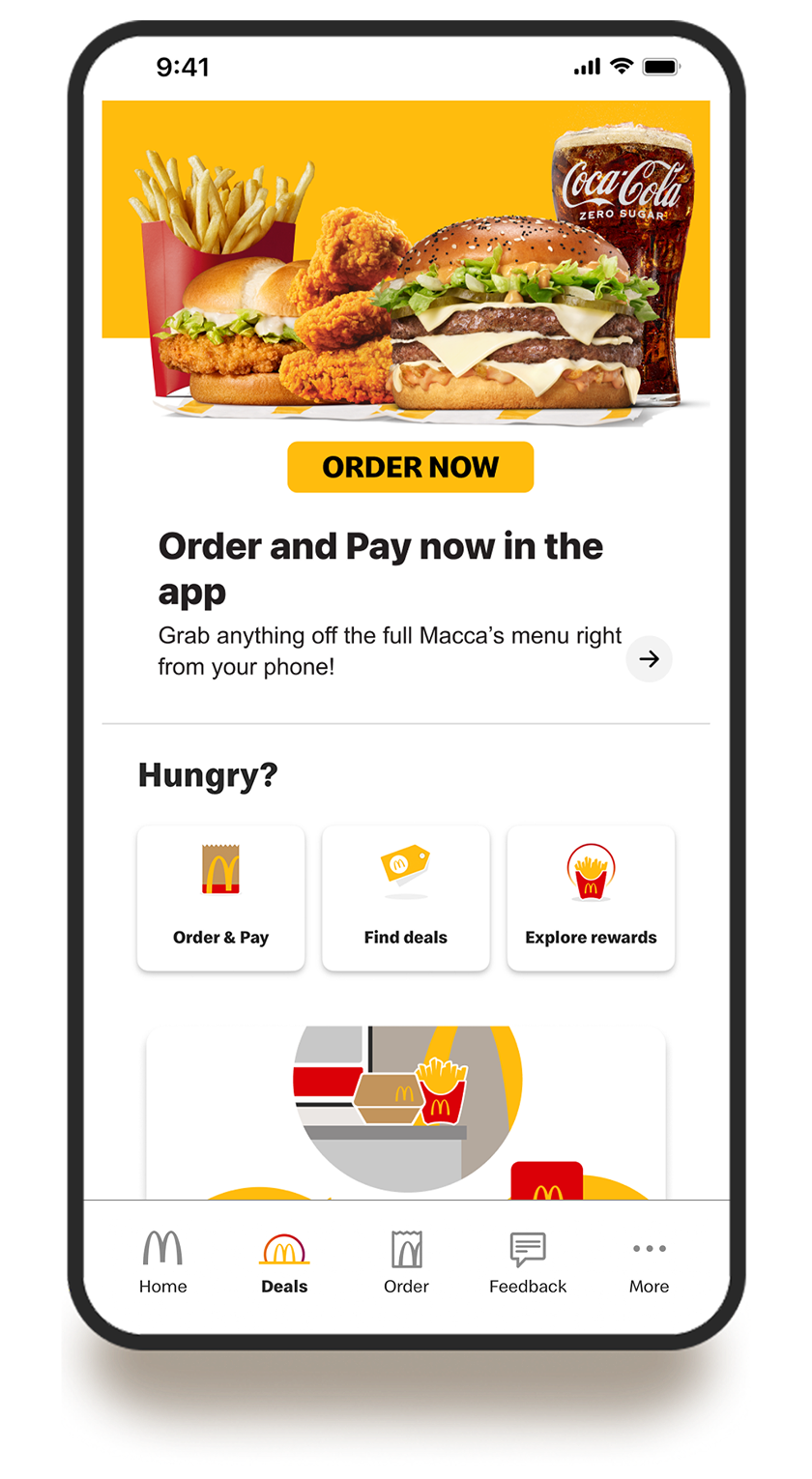
1. Open the app and select 'Rewards & Deals' in the bottom navigation bar.
2. Find the item you wish to redeem.
3. Select 'Add to Mobile Order'
To redeem in-restaurant:
1. Open the MyMacca's app and select 'Rewards & Deals'
2. Find your reward and select 'Use at Restaurant'
3. Tell the crew your code at the speaker box in Drive Thru before you start your order or enter the code on your Kiosk.
You only need one code per transaction. This means you can earn points and redeem rewards in the same order.
Simply share your code to redeem your free item and you’ll automatically earn points on every dollar you spend on eligible items. The same is true for any codes you use on your order, which means you can earn on every dollar spent on eligible items while collecting points for your next feast.
Yes. When you order McDelivery through the MyMacca’s app you can earn points and & redeem rewards.
If you tried to use a reward but the transaction didn't go through within the 15 minute countdown, don't worry. Your reward is still available in the app.
- Make sure you're using the latest McDonald’s® App (version 3.0.0 or newer).
- Go to your Deals page, scroll down, and find your unused reward.
- Redeem on your next visit without using any points.
If you missed a reward from your recent transaction, it can take up to 30 minutes to show up. Your reward will be there soon!
Still need help? Contact our customer support team here
Track your points history by clicking on your points balance in the top right corner of your Deals page. Don't worry if the points from your recent transaction haven't shown up yet; it can take up to 30 minutes for this to update.
If you still can't see your points, reach out to our customer support team here
For full MyMacca's FAQs click here.